Front and back
THE THING YOU KEEP PUTTING OFF
DO
THE THING.
The fastest way to turn a good idea into momentum.
ONE CLICKto the next useful thingNO BLANK PAGEno tools to stitch together
REAL BUSINESSES / REAL PRESSURE01 / 03



You know it matters.
iAmBruno™ makes it easier to start.
iAmBruno™ makes it easier to start.
THE BUSINESS SIDE OF iAmBruno™
iAmBruno™ Sales SystemSell it. Run it. Grow it.
From the first WhatsApp message to inventory, orders, payments, packing, delivery, and profit. Your whole operation, connected.
Go to Sales System
THE WHOLE iAmBruno™ PLATFORM
One Simple Platform.
Everything Done. Fast.
A Sales System. A WordPress Website Designer. A Social Media Studio. An AI Image Maker. Presentation decks, business cards, and menus. And so much more.
The tools to run your business. The work that makes it look its best. All in iAmBruno™.

01 / Website Preview
See your new website
before you buy it.
Fresh design or a redesign of your existing website. See it in less than 5 minutes, free!
- Fresh design
- Existing-site redesign
- Free first look
Choose a website. Scroll inside it and explore its pages.
Choose a website. Scroll inside it and explore its pages.
Choose a website. Scroll inside it and explore its pages.
Choose a website. Scroll inside it and explore its pages.
Choose a website. Scroll inside it and explore its pages.
Choose a website. Scroll inside it and explore its pages.
02 / iAmBruno™ WordPress
WordPress
iAmBruno™ Plugin
Install the iAmBruno™ Plugin and connect your WordPress site. It includes iAmBruno™ Chat Designer: tell it what you want to change, talk through the ideas and approve the work.
- iAmBruno™ Chat Designer.
- Page and media operations
- Owner-controlled approvals
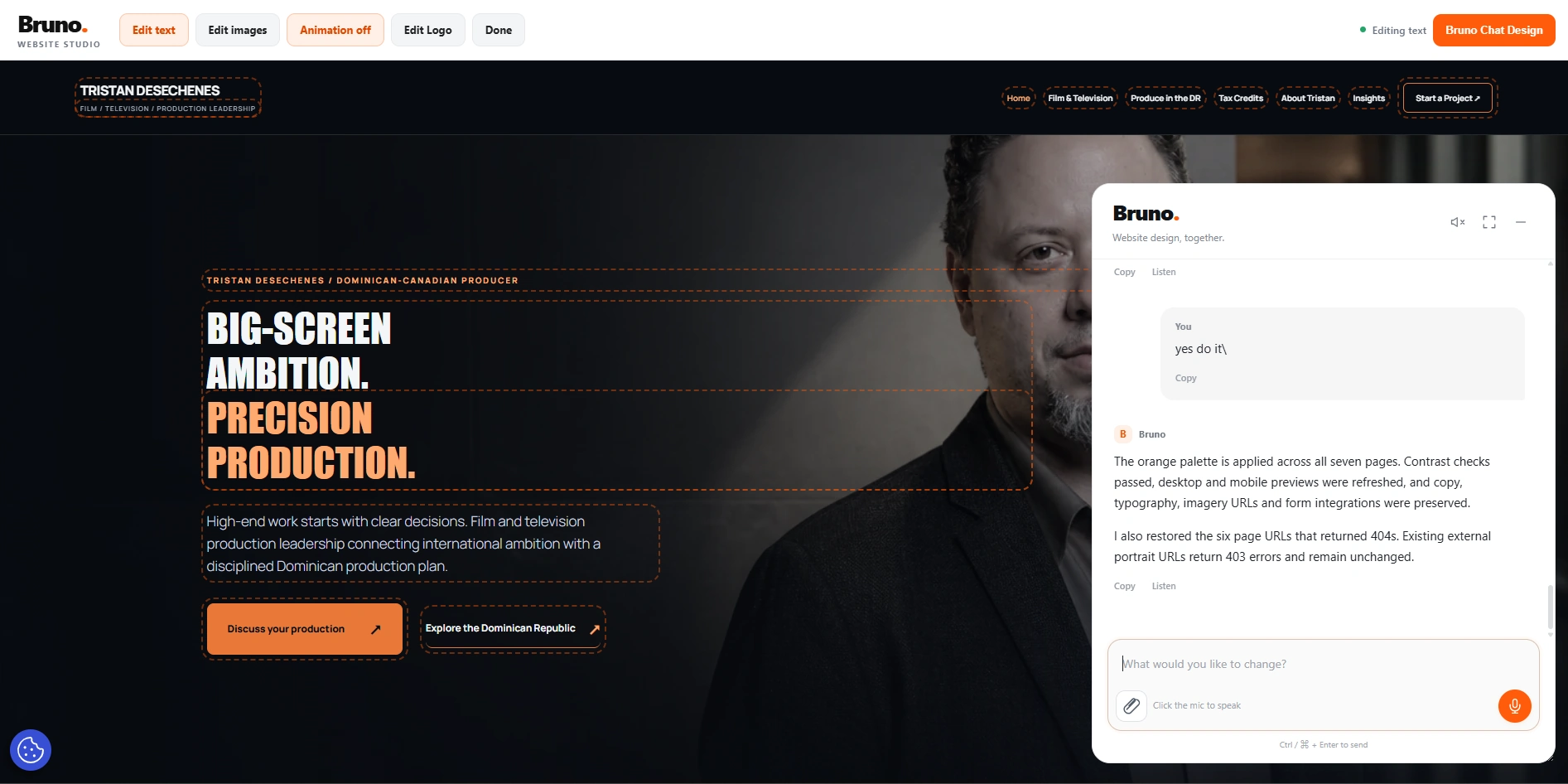
03 / Image Maker
Create and edit
stunning AI images.
Create in seconds. Use reference images, keep faces consistent, and turn ideas into finished business visuals.
- Reference images
- Image editing
- Business visuals

04 / Business Studio
Decks, cards,
menus and more.
Professional business content without starting from a blank page.
- Presentation decks
- Business cards
- Restaurant menus
- Brochures
05 / Instant Listings
One photo.
Product online.
From picture to listing instantly, posted to Woo or Shopify.
- Product descriptions
- Product images
- WooCommerce
- Shopify

06 / Business Phone
A business number
that works like one.
Number, greeting, extensions and voicemail, built in minutes.
- Business number
- Greeting
- Extensions
- Voicemail

07 / Growth Tools
Small tools.
Serious growth.
Blog, SEO, lead magnets, and funnel content that compound instead of disappearing.
- Topic and intent mapping
- Search-ready articles
- Lead and funnel assets
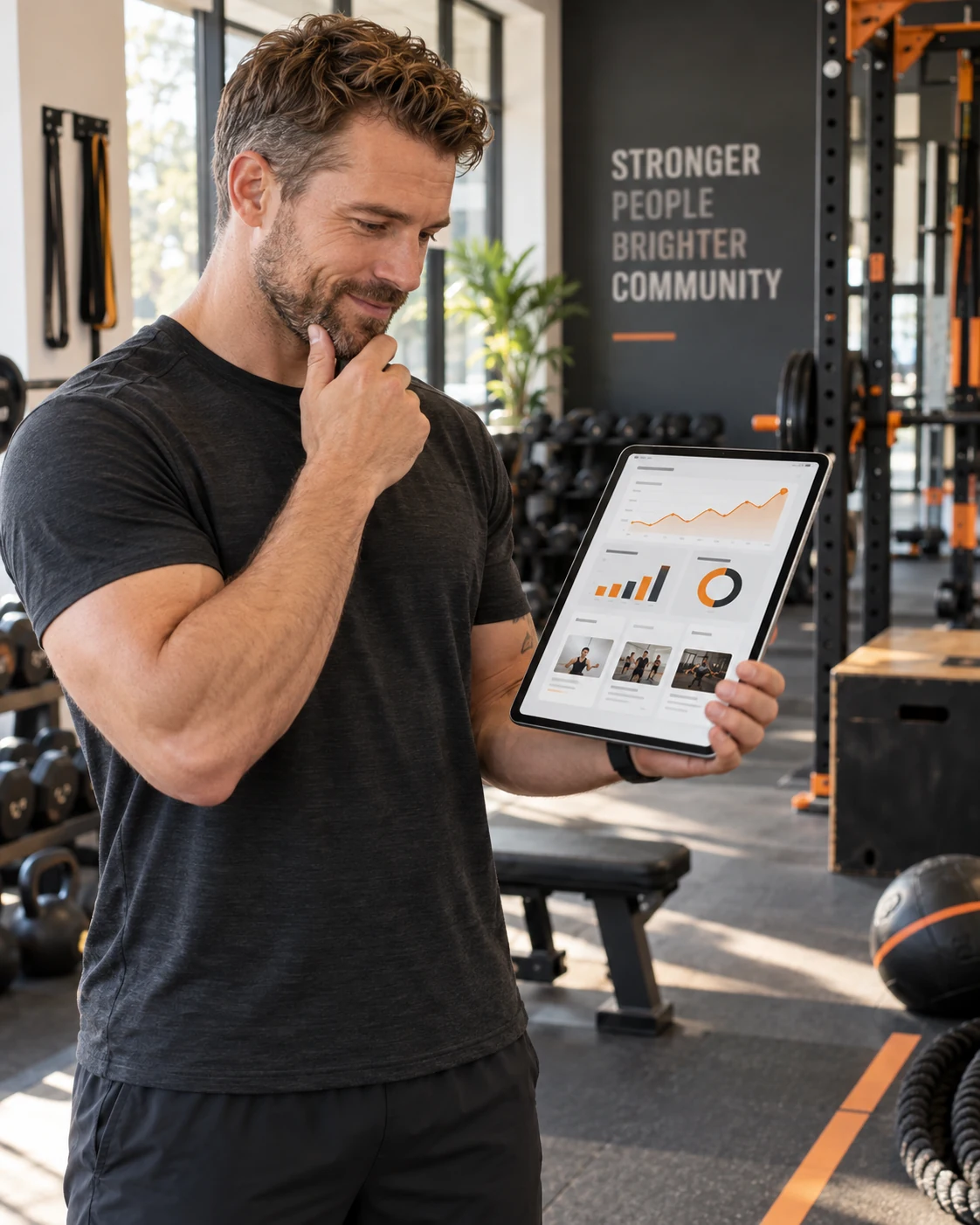
08 / Events
Turn an event
into an experience.
Event pages, RSVPs and reminders from invitation to attendance.
- Event landing pages
- RSVP collection
- Shareable promotion assets

09 / QR Codes
QR Codes.
Free. Unlimited. Forever.
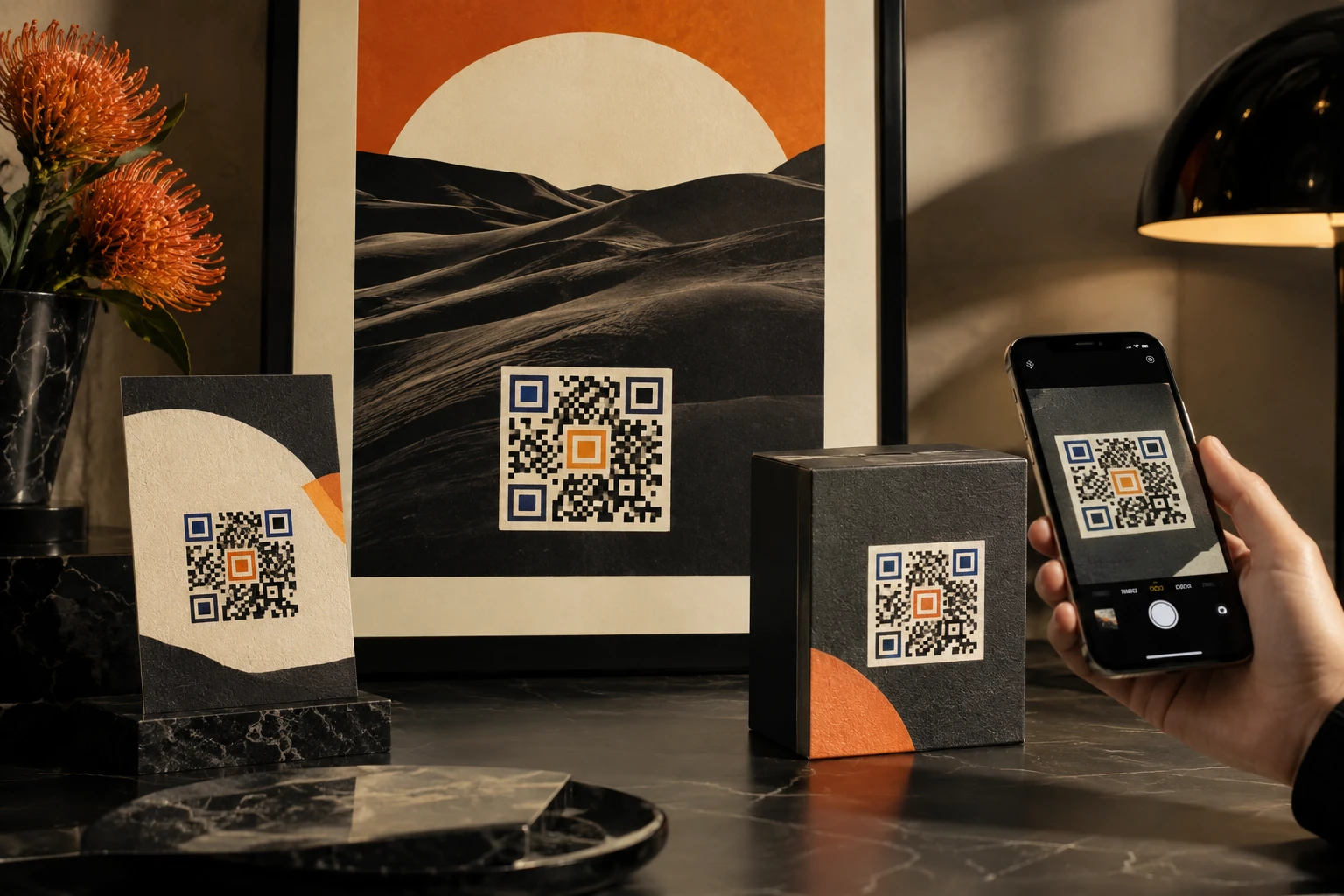
Menus, flyers, signs, cards, packaging and promotions. Create one whenever you need it.
- Free and unlimited
- Named, saved, and downloadable
- Native placement in iAmBruno™ outputs
iAmBruno™ / Gmail Cleaner
Your inbox.
Room to breathe.
Classify new Inbox mail, review the proposed folders and choose what to label, archive or move to Trash. $5 USD per month. Come back whenever you need.
- Up to 100,000 new Inbox messages per run
- Review before cleanup
- Separate confirmed mark-as-read action

10 / iAmBruno™ CONCIERGE
Hand us the work.
Get it back finished.
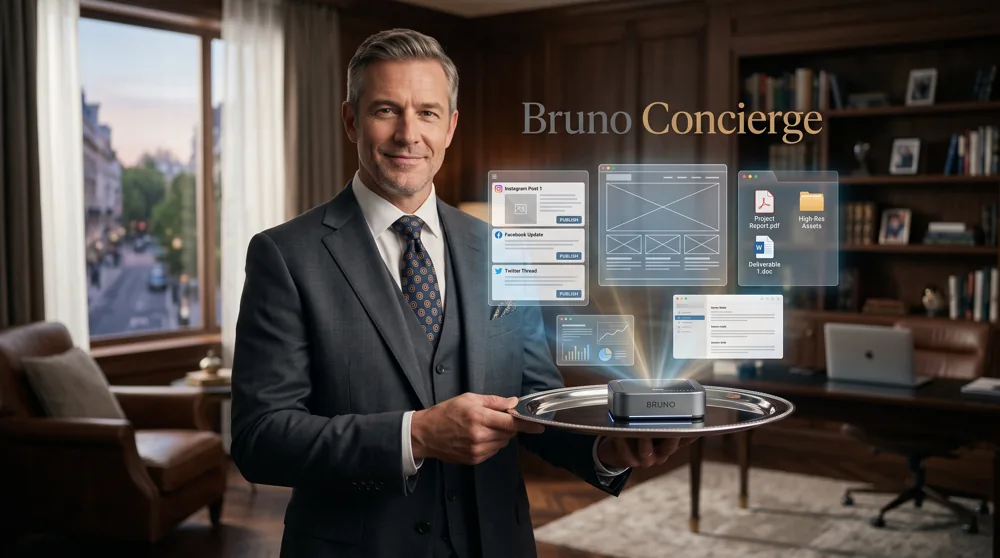
You tell us what your business needs. A iAmBruno™ specialist plans it, makes it, sets it up and gets it ready for you to approve.
- Strategy, writing, design and setup
- One team for the whole brief
- Review, refine, and deliver
No tools to learn. No blank page. No project to manage alone.

Meet Bruno.
The agentic AI behind the iAmBruno™ platform.
Bruno is the AI agent inside the iAmBruno™ platform. He helps turn everyday business tasks into finished work—from websites and images to social media, product listings, Gmail and sales.
Use the platform’s simple tools without learning prompts, or hand the work to a real person through Concierge Bruno.
Explore the guides ↗HOW iAmBruno™ WORKS
Tell us what you need.
iAmBruno™ moves it forward.
No complicated setup. No giant learning curve. Just a clear next step.
Give iAmBruno™ the signal.
A goal, a rough idea or a problem that needs a finished answer.
iAmBruno™ chooses the path.
The right page, visual, campaign or operator appears around your business.
Put it to work.
Review it, approve it and send it into the real business channel.
CREATE A POST. FREE.
A real image. A caption.
Yours to keep.
Get a free example made from your business, your idea and your photos.
START ANYWHERE
Do it with iAmBruno™.
Or let iAmBruno™ do it.
Same place. Your choice.
LET’S GET MOVING
Bring the next thing.
Phone
+1 (307) 269-9600
Email
info@iambruno.com
Address
USA - UK - Canada - DR
Tell iAmBruno™ what you need.
We’ll help you choose the right first move.
Stay in the loop.
Practical ideas for looking more established online.

iAmBruno™ SOCIAL MEDIA STUDIO
Your social media.
Handled.
iAmBruno™ creates the plan, produces the images, writes the captions, and schedules or posts for you. Instagram, LinkedIn, and your Facebook page, all managed from one place.